
Session Replay
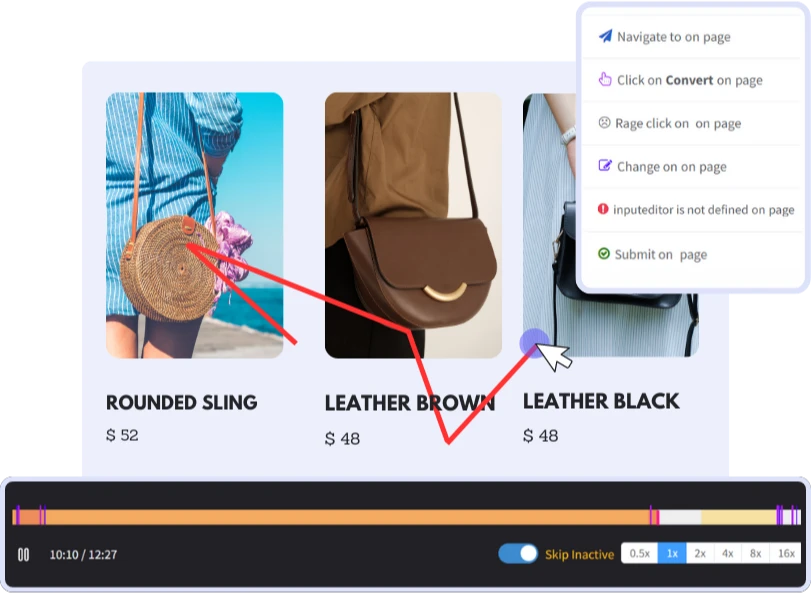
See your website through the eyes of your users with session replay. Witness precisely how visitors navigate your site, from their initial click to their final interaction. Elevate conversion rates while reducing bounce rates, by establishing a user-friendly platform that significantly contributes to revenue growth.
Benefits
 Safeguard Sensitive Data
 Build trust by redacting personal information to ensure it isn't captured.
 Console logs & Network Data
 Debug with network requests, responses, & errors logged info in browser console.
 Improve Funnel Conversion
 Pinpoint where users abandon conversion processes, such as checkout/sign-up.
 Playback DOM Events
 Replay user actions, such as clicks, form inputs, scrolls, & mouse movements.
 Qualitative Data Over Metrics
 Understand contextual insights on why users struggle with certain tasks.
 Self-Hosted
 Host own cloud environment for full control over data security & compliance.
Witness Impacts with Session Replay
Session replay for designers to observe where elements are unclear or how various devices, screen resolutions, and browsers are delivering the user experience.
Capture Real Meaning Behind Every Click
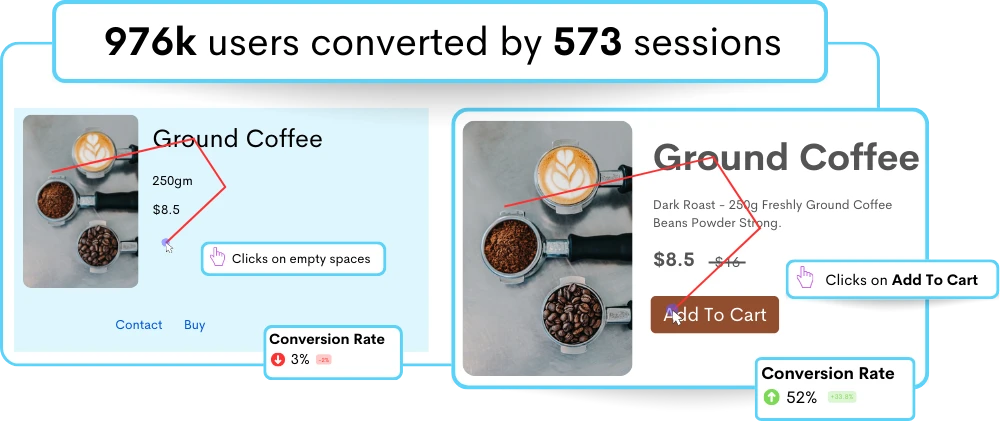
Watch users interact with your website in video replay to understand user behavior and identify pain points for improved conversion rates.
- Uncover User Intent: Observe individual user session replays for better insights into optimal UX throughout your customer journeys.
- Real-Time Behavior Analysis: Track mouse movements, clicks, and scrolling behavior to figure out how users engage comprehensively.
- Slice and Dice Recordings: Sort your website recordings by entities such as browser, country, device name, device type, IP address, OS, status, tags, user email, user ID, user name, or visited URL.
Jump from Session Replay to Prioritized JS Errors
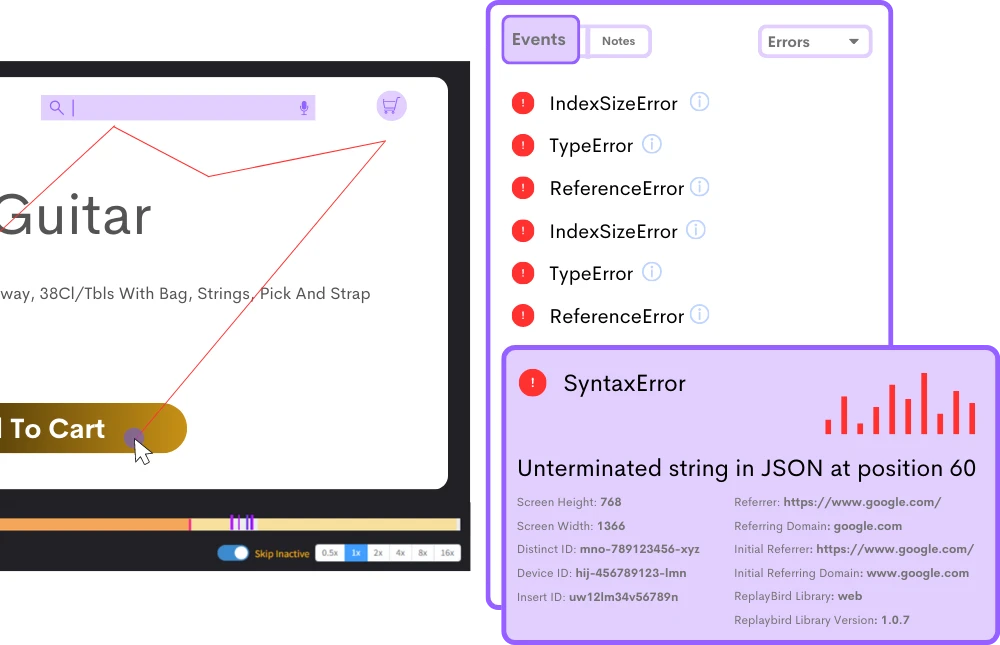
Understand your JavaScript errors like never before with a comprehensive view of how users really confront errors with recording.
- Watch Error Affecting: Qualitative data from user sessions with JavaScript error, debugging info on the impacts with users in real-time.
- Impactful Analysis: Watch users encountering JavaScript errors through recorded website sessions for a UX with zero frustration.
- Error Reporting: Error event data and stack trace info in real-time as users encounter front end errors with user session replays.
Boost Efficiency with Advanced Session Player Features
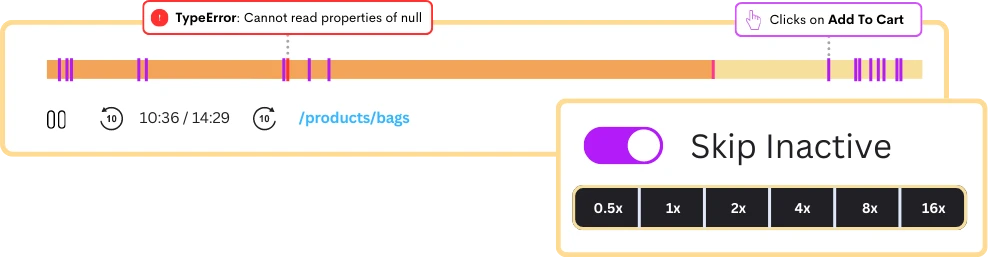
Watch user session player with more productive and functional UX features that let your analyze instantly and more deeply.
- Skip Inactivity: Jump to the most critical parts of the session replay, where users engage with your site or app.
- Playback Speed Control: Alter session playback speed from 0.5x to 2x, 4x, 8x, and even 16x, for an instant session replay review.
- User Action Targeting: Target specific user events, clicks, rage clicks, changes made on pages, navigation to pages, JavaScript errors, and add custom events to any action.
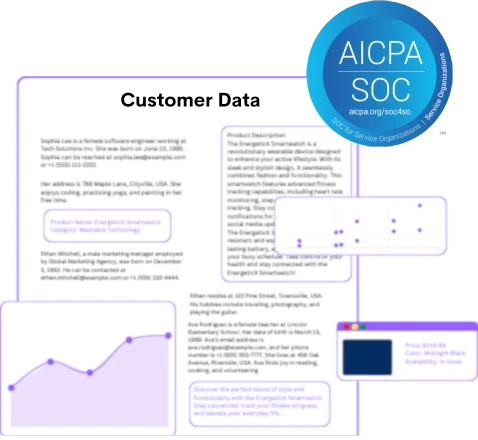
Privacy-Focused Control on What Data is Recorded
Multiple security and data protection layers prevent unauthorized use, encompassing the default anonymization of user sessions.
- Your Data, Your Rules: With our customizable privacy recording settings, you decide what's recorded and what remains inaccessible.
- Default Data Masking: Sensitive user data, card details, or PII numbers are inevitably excluded during session recording.
- Compliance with Regulations: User data in session replay is handled and protected by GDPR and SOC2 to reduce data breach risk.
Trusted, enterprise-level security to protect your data
Our commitment to privacy and security GDPR & CCPA Compliant
 ISO 27001 Certified
 Soc 2 Type 2 Compliant
Frequently Asked Questions
The process begins with integrating specialized tracking scripts or tags into the web page or app. These scripts monitor and record user actions as they engage with the interface. The recorded data, including changes to the Document Object Model (DOM), user inputs, and network requests, is then stored on servers for later analysis.
During playback, the captured events are reconstructed to visually represent the user's session. This involves precisely replicating the user's interactions using the stored sessions, including the timing and order of events. By accurately rendering the user's experience, session replay provides insights into usability issues, user behavior patterns, and potential areas for improvement.
Session replay, on the other hand, allows you to watch these recorded interactions as if in real-time, providing a video-like playback of user sessions.
This gives a more detailed analysis of user behavior, offering insights into customer journeys and identifying areas for optimizing conversions and improving user experience.
1. Deeper User Insights: Provides a deeper understanding of user behavior and customer journeys.
2. Improved User Experience: Identifies usability issues, optimizing the website for better interactions.
3. Error Detection and Troubleshooting: Pinpoints and resolves JavaScript errors quickly.
4. Optimized Conversion Rates: Analyzes interactions to improve conversion rates and overall performance.
Not only JavaScript errors but also session replay can help analyze identify user frustrations, UX issues, and improve funnel conversion. By combining features such as customer journey analysis, funnel analysis, heatmaps, product analysis, and error analysis, session replay provides a comprehensive view of user interactions, letting development teams to pinpoint the exact moments and contexts where errors occur and swiftly resolve them.
Stop guessing what your users want
Understand every user interaction with powerful analytics tools.
Session Replay
Watch exactly how users interact with your product through pixel-perfect session recordings.
Tags & Segments
Organize sessions with tags and create segments for targeted analysis.
Quick Setup
Install in minutes with a single JavaScript snippet. No complex configuration required.
Performance Metrics
Monitor page load times and performance to improve user experience.
Unlimited Team
Invite your entire team and stakeholders at no additional cost.
Privacy Controls
Block IPs, mask sensitive data, and stay compliant with privacy regulations.
Start using ReplayBird for free
Understand your users with session replay, heatmaps, and product analytics.
- Free 14-day trial
- No credit card required
- Unlimited team members
Explore All Features
Everything you need to understand user behavior and improve your product experience.
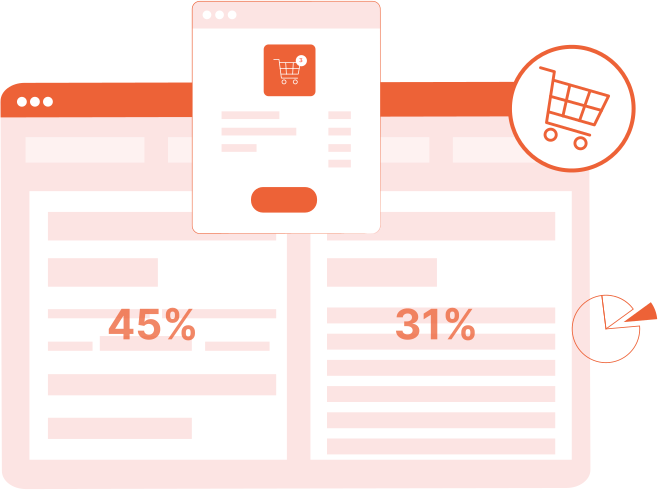
Product Analytics
Track user behavior, measure engagement, and make data-driven product decisions.
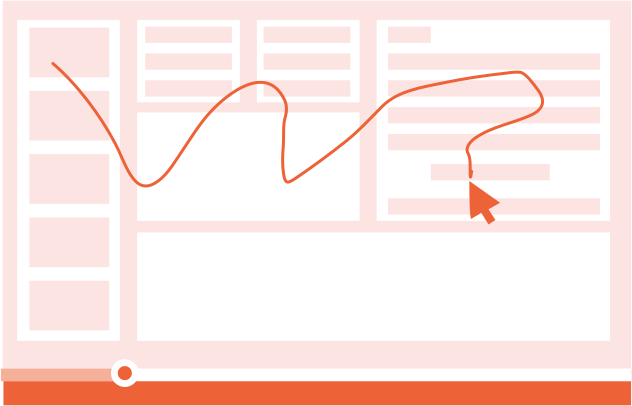
Session Replay
Watch real user sessions to see exactly how users interact with your product.
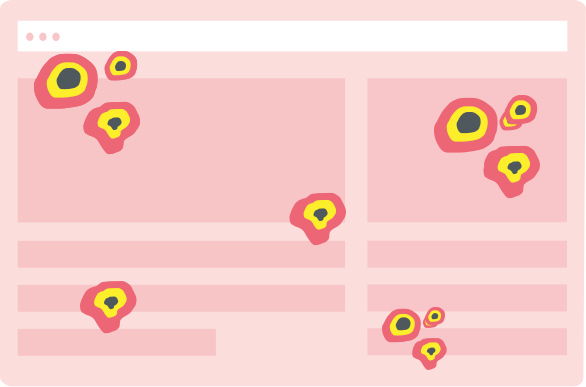
Interaction Heatmaps
Visualize clicks, scrolls, and engagement patterns across your pages.
Error Tracking
Catch and fix frontend errors before they impact user experience.

Funnel Analysis
Identify drop-off points and optimize your conversion funnels.

Customer Journey
Map the complete user journey from first touch to conversion.

Form Analysis
Understand form interactions and reduce abandonment rates.
Speed Analysis
Monitor performance and its impact on user experience.