
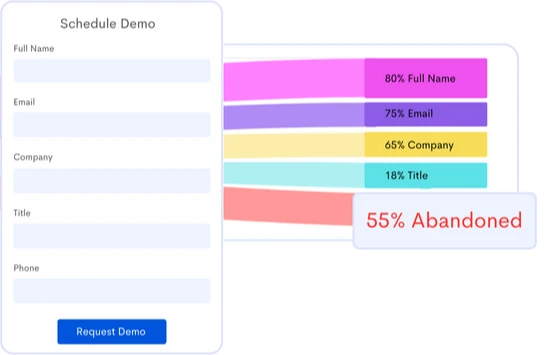
Form Analysis
Maximize form conversions! Identify user struggles and boost engagement without extra tagging. Improve web forms for more leads and sales.
Benefits
 Save Time
 Instantly capture and analyze behaviors as they happen in real-time.
 Enhanced User Experience
 Gain comprehensive customer insights for a complete understanding.
 Boost Revenue
 Identify emerging possibilities to drive revenue growth
 Customer Satisfaction
 Remove barriers and delight customers with effortless interactions.
 Pinpoint and Resolve Bugs
 Effectively address, troubleshoot, and resolve problems for prompt resolution.
 Privacy-Driven Integration
 Prioritize privacy and secure integration for driving continuous innovation.
Win a User-Friendly Form Design
Are you struggling to get accurate and reliable form analytics from your online surveys? Discover how form analysis can help you achieve conversion goals.
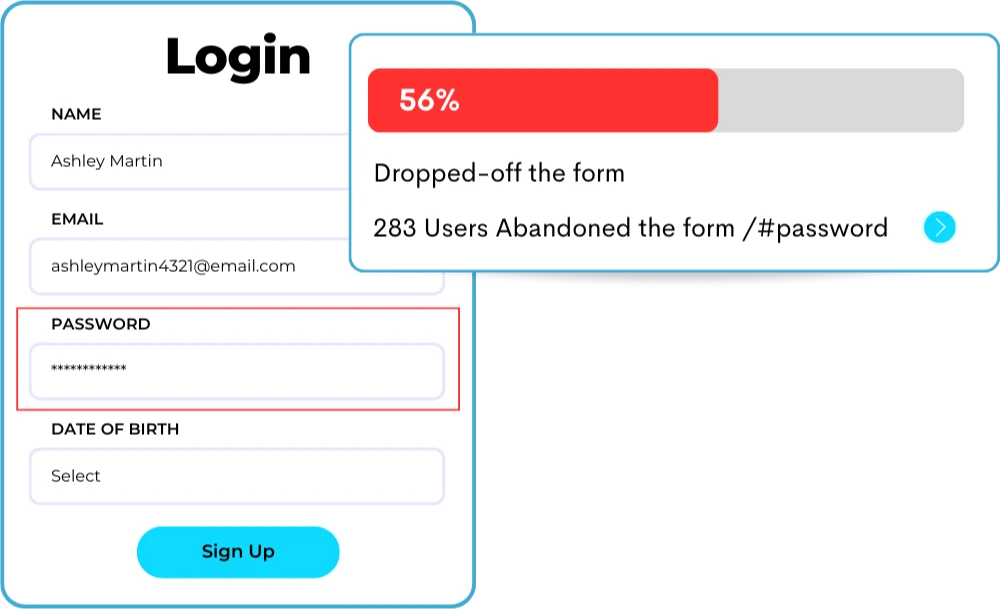
Know Where Users Abandon Your Form
Gain comprehensive website form analytics to optimize the form completion process, increasing conversion rates and overall ROI.
- Uncover Drop-off Points: Analyze the stages at which users tend to abandon the form completion process.
- Behavior Analysis: Identify fields causing the most frustration or confusion among users.
- Form Optimization Opportunities: Discover areas for form optimization that can improve the performance of your form.
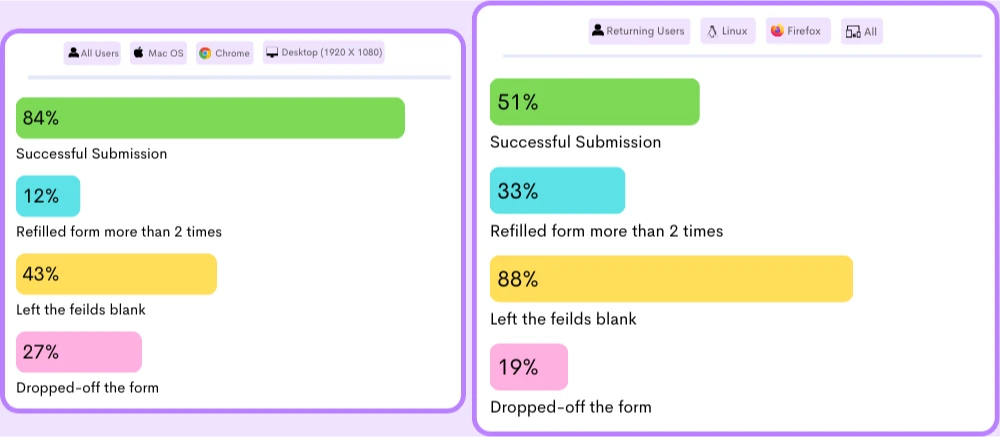
Deep Dive into Potential Form Analytics
Analyze form insights on how users interact with your form fields, including clicks, skips, and areas of difficulty.
- Usability Issues Identification: Identify consistently skipped fields, fields with lengthy completion times, or fields with JavaScript errors.
- Data-Informed Decision Making: Form analytics to rely on rather than assumptions to make informed choices that drive better results.
- Field Comparison: Compare user interactions with different fields to pinpoint areas for improvement.
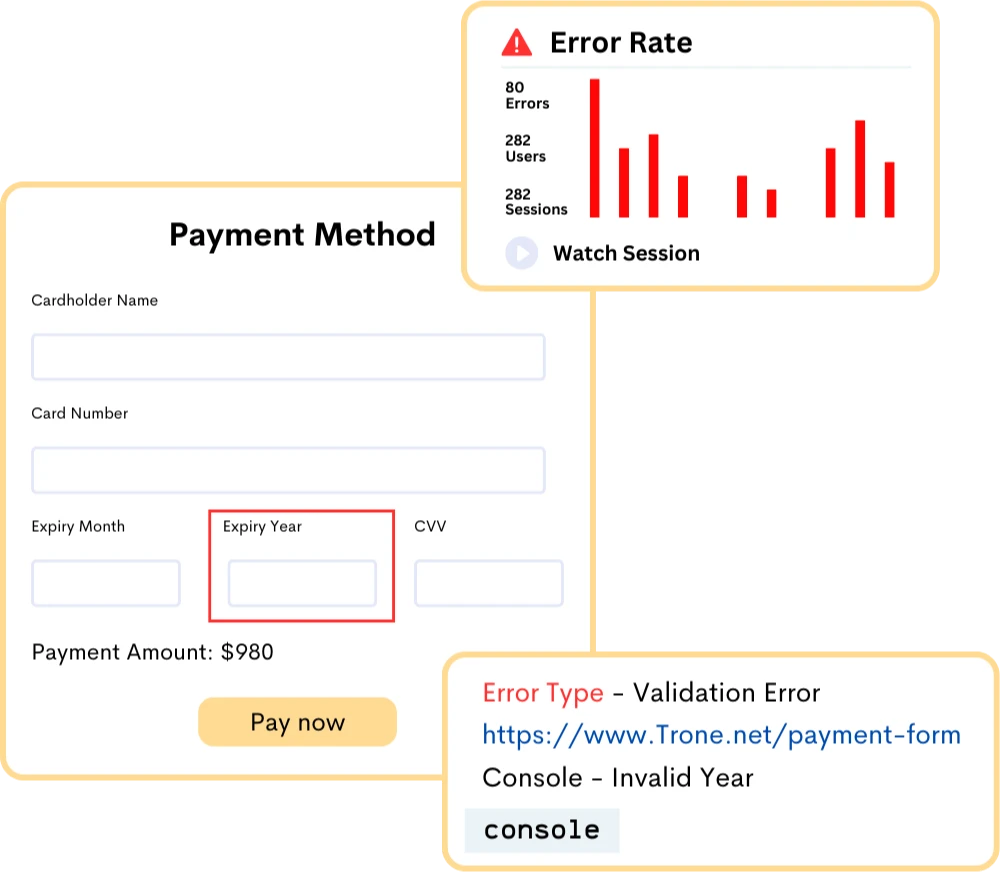
Track Form Submission Errors Effectively
Discover and address the most common form errors to boost the user experience and increase form completion rates.
- Error Type Identification: Capture specific error messages, log error codes, or monitor error events triggered during the submission process.
- Quantify Error Impact: Identify specific errors causing many users to abandon the form.
- Continuous Improvement: Find patterns or recurring errors and implement targeted solutions to address them.
Frequently Asked Questions
The aim of online form analysis is to improve the user experience by identifying and addressing issues that may be causing users to abandon forms or fail to complete them.
Online form analysis tools typically use website form analytics and user feedback to track user behavior on forms, such as the number of form views, the completion rate, the time taken to complete the form, and the fields that cause the most errors or drop-offs.
These tools provide website form analytics into user behavior and help website owners to identify and fix problems with their forms, such as confusing or poorly designed fields, excessive form fields, or technical issues.
1. Identifying and addressing form issues: Form analysis tools can help identify issues with online forms that may be causing users to abandon or fail to complete them. By identifying the most problematic form fields or stages, website owners can take steps to improve their forms, such as simplifying form fields, reducing the number of form fields, or reordering the form fields.
2. Improving form usability: Form analysis can provide website form analytics into how users interact with online forms, including the time taken to complete the form, the number of form fields completed, and the number of errors made. This information can be used to optimize form design, such as reducing the number of required form fields, improving the layout and readability of the form, and making form fields more intuitive.
3. Enhancing the user experience: By improving the usability of online forms, website owners can enhance the overall user experience. A well-designed form that is easy to complete and navigate can improve user satisfaction and increase the likelihood of users completing the form.
4. Increasing conversion rates: By optimizing online forms, website owners can increase their conversion rates. A higher completion rate on a form can lead to more leads, more sales, and more revenue for the business.
2. Optimize your form layout: The layout and design of your form can have a big impact on user engagement. Analyze form to ensure that it is visually appealing, easy to read, and has a clear flow from one field to the next. Make sure your form is optimized for mobile devices.
3. Minimize errors: Identify the fields that are causing the most errors and take steps to minimize them. Provide clear instructions and feedback to users to help them correct errors quickly.
4. Test different form versions: Use A/B testing to try out different versions of your form to see which one performs best. Experiment with different form designs, layouts, and fields to find the optimal version for your audience.
5. Provide incentives: Consider offering incentives to users who complete your form, such as a discount or free trial. This can increase motivation and encourage users to complete the form.
6. Monitor user behavior: Continuously monitor user behavior on your form to identify any issues or areas for improvement. Use form analysis tools to track user behavior and identify where users are dropping off or encountering problems.
By addressing these issues, you can improve the overall user experience and increase customer satisfaction, which in turn can lead to greater customer loyalty and retention.
Additionally, by monitoring user behavior and analyzing form data over time, you can identify trends and patterns that may indicate broader issues with your product or service.
For example, if many users are encountering a specific error message on your form, this may be a sign of a more significant technical issue that needs to be addressed.
By fixing these issues and providing a seamless user experience, you can improve customer satisfaction and retention over time.
2. SaaS companies: Form analysis can help SaaS companies streamline their sign-up process and increase conversion rates, as well as identify potential issues with their product or service.
3. Healthcare providers: Form analysis can help healthcare providers optimize patient intake forms and identify areas where patients may be encountering issues or dropping off.
4. Financial institutions: Form analysis can help financial institutions improve their loan application process and reduce the time it takes to approve applications.
5. Educational institutions: Form analysis can help educational institutions improve their enrollment process and make it easier for prospective students to apply.
6. Government agencies: Form analysis can help government agencies streamline their application processes and reduce wait times for citizens.
1. Simplify the checkout process: Form analysis can help e-commerce websites identify areas of the checkout process that are causing customers to abandon their purchase. By simplifying the checkout process and reducing the number of form fields, you can make it easier for customers to complete their purchases and reduce cart abandonment rates.
2. Optimize form fields: Form analysis can help e-commerce websites optimize form fields by identifying which fields are causing users to make errors or abandon the form. By adjusting the form fields and providing more explicit instructions or feedback, you can reduce user frustration and improve the overall user experience.
3. Provide personalized experiences: Form analysis can help e-commerce websites gather data on customer preferences and behavior. By using this data to provide personalized product recommendations or tailored marketing messages, you can increase customer engagement and loyalty.
4. Streamline returns and refunds: Form analysis can help e-commerce websites optimize their returns and refund process by identifying areas where customers are encountering issues or dropping off. By simplifying the returns and refund process and providing clear instructions, you can improve customer satisfaction and increase the likelihood of repeat purchases.
Stop guessing what your users want
Understand every user interaction with powerful analytics tools.
Session Replay
Watch exactly how users interact with your product through pixel-perfect session recordings.
Tags & Segments
Organize sessions with tags and create segments for targeted analysis.
Quick Setup
Install in minutes with a single JavaScript snippet. No complex configuration required.
Performance Metrics
Monitor page load times and performance to improve user experience.
Unlimited Team
Invite your entire team and stakeholders at no additional cost.
Privacy Controls
Block IPs, mask sensitive data, and stay compliant with privacy regulations.
Start using ReplayBird for free
Understand your users with session replay, heatmaps, and product analytics.
- Free 14-day trial
- No credit card required
- Unlimited team members
Explore All Features
Everything you need to understand user behavior and improve your product experience.
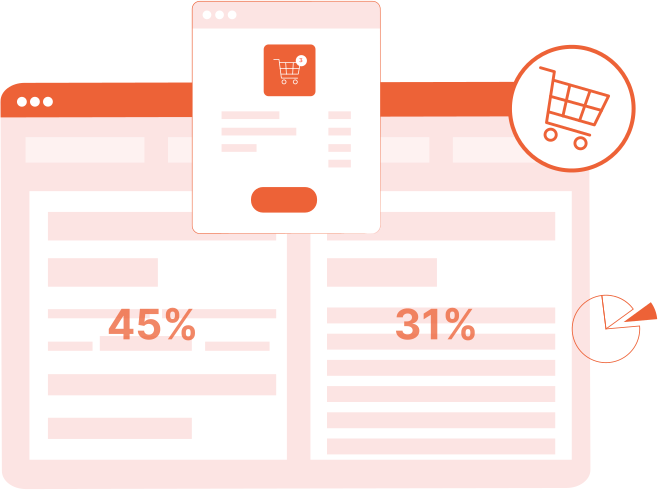
Product Analytics
Track user behavior, measure engagement, and make data-driven product decisions.
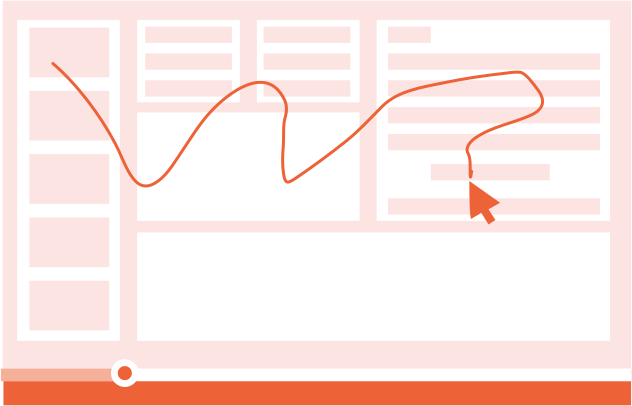
Session Replay
Watch real user sessions to see exactly how users interact with your product.
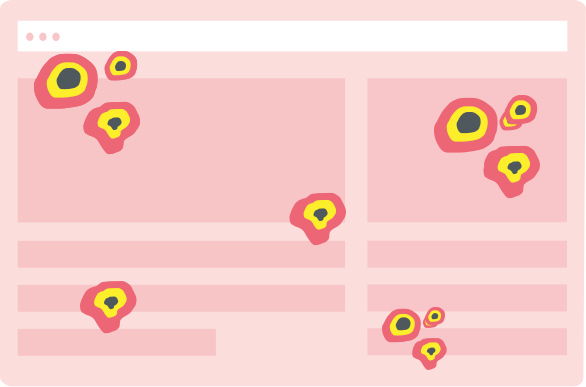
Interaction Heatmaps
Visualize clicks, scrolls, and engagement patterns across your pages.
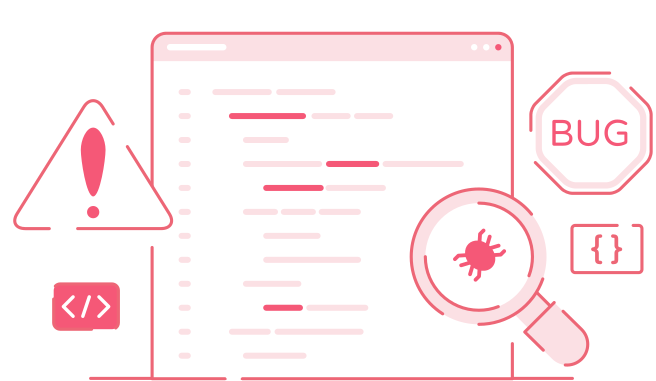
Error Tracking
Catch and fix frontend errors before they impact user experience.

Funnel Analysis
Identify drop-off points and optimize your conversion funnels.

Customer Journey
Map the complete user journey from first touch to conversion.

Form Analysis
Understand form interactions and reduce abandonment rates.
Speed Analysis
Monitor performance and its impact on user experience.